Lab 02 / 03
TXG Revit AI
Turns AutoCAD plans into native Revit models, with no AI-drawn geometry.
- Division
- LiveWires R&D Labs
- Focus
- AI & Intelligent Systems
- Built with
- TXG · Saudi Arabia
/ SCREENS
Inside the build.
04 screens
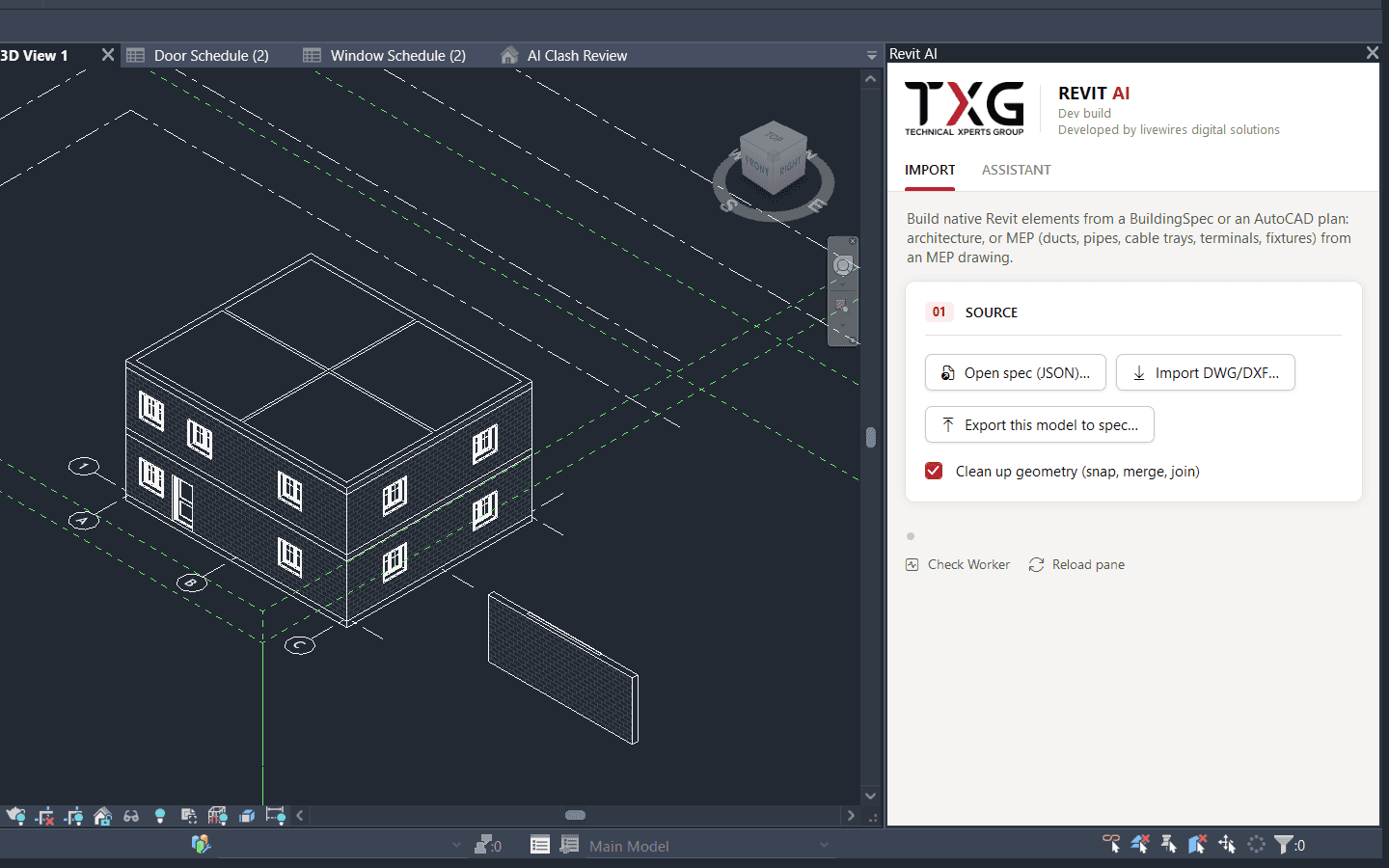
01Import: pick a drawing, then watch the model it builds. 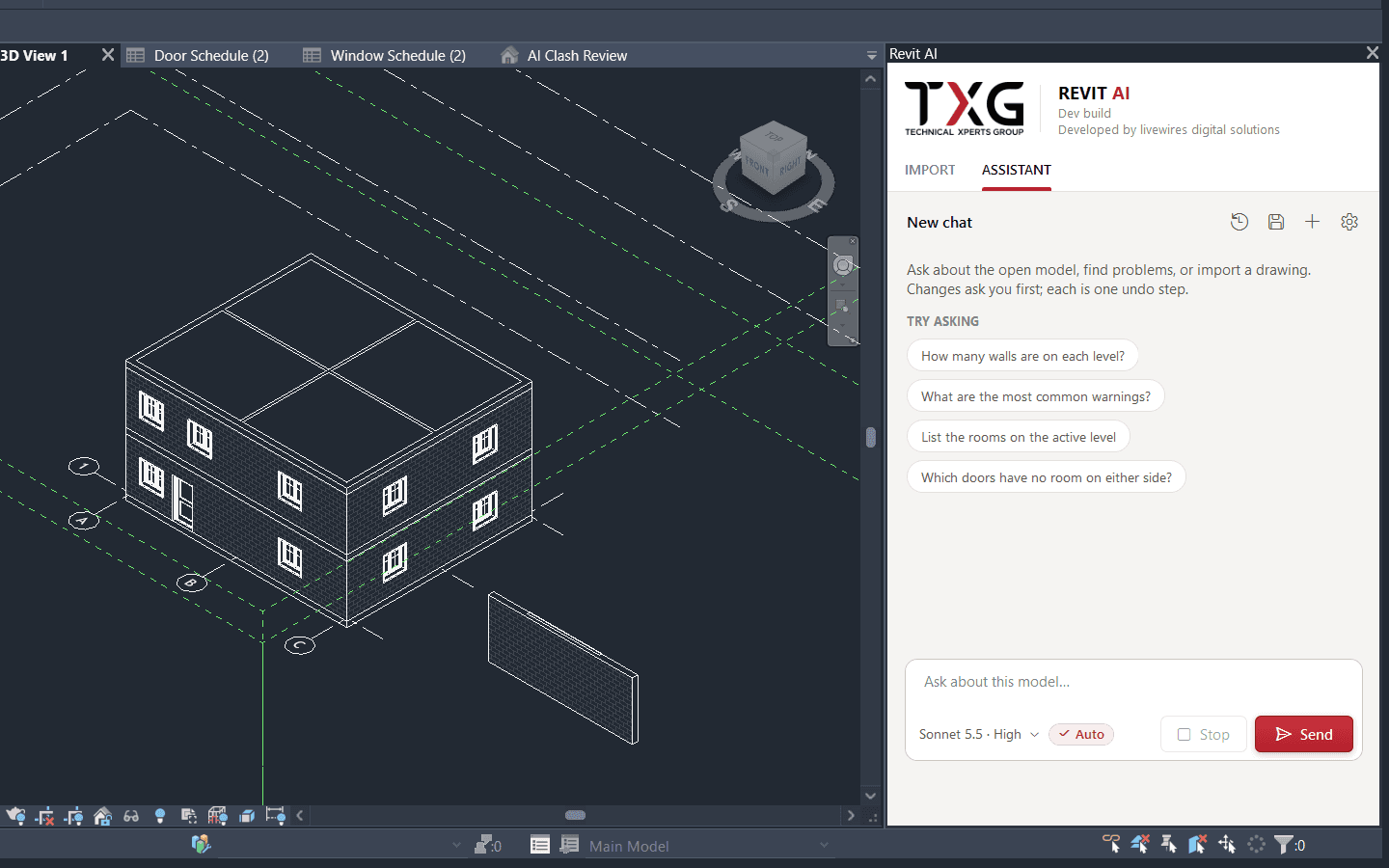
02The Assistant: ask about the open model, with suggested questions. 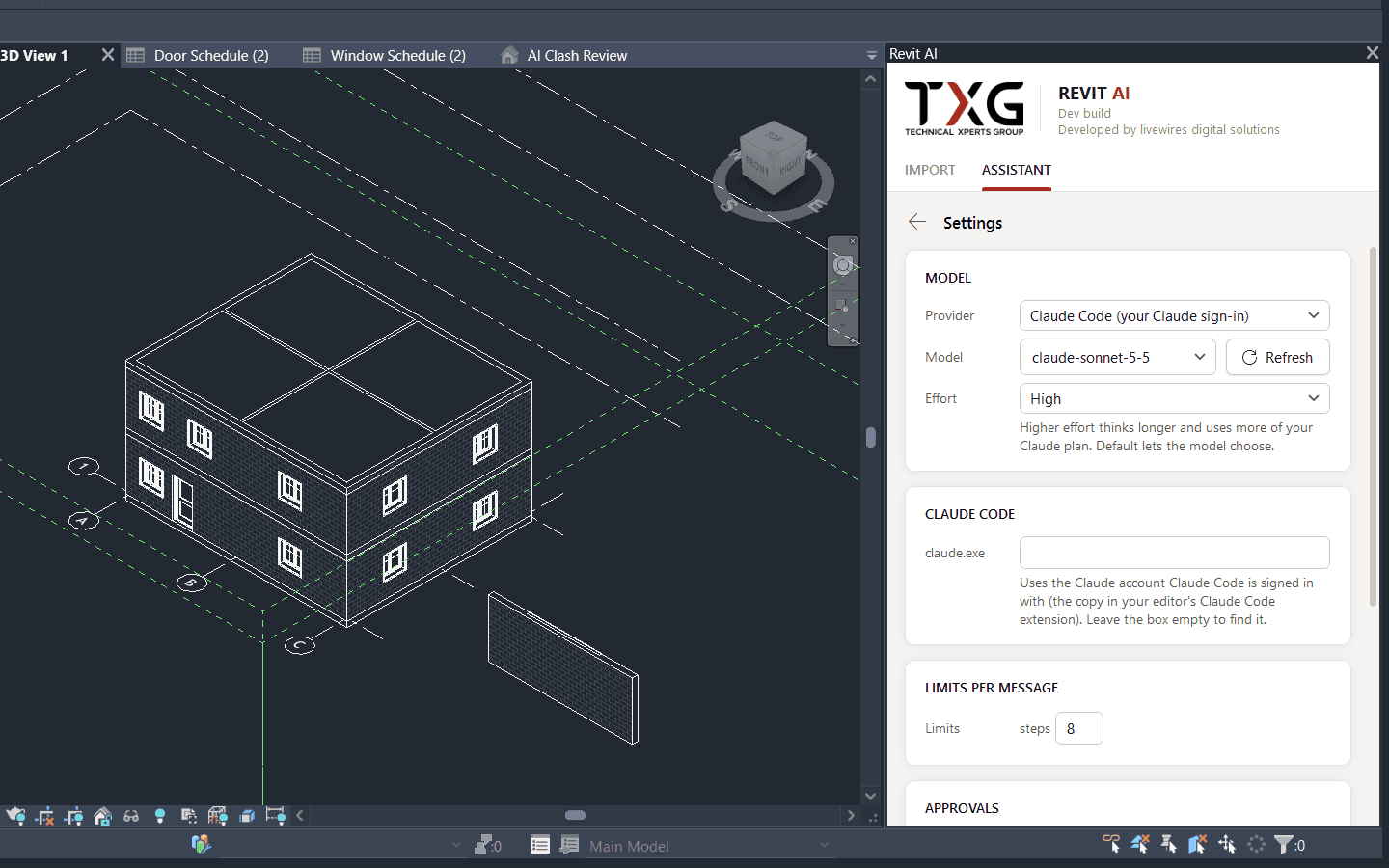
03Settings: provider, model, effort and per-message limits. 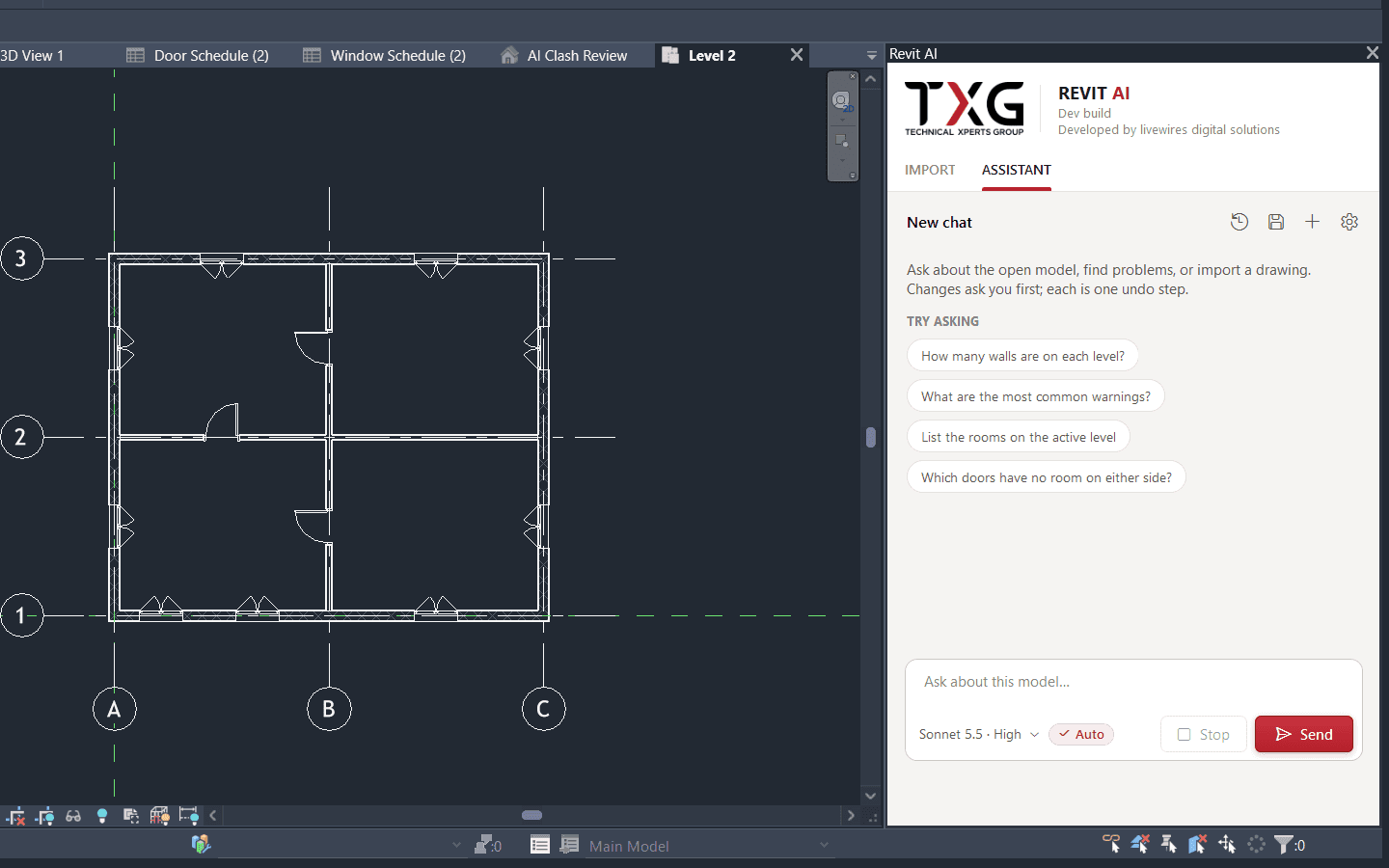
04The built result in plan: walls, doors, windows and grids.
/ LAB NOTEBOOK
Entry 01
Hypothesis
Walls, doors, rooms and MEP runs are still modelled by hand from 2D drawings. The bet: AI can decide what a drawing means, while plain code makes every piece of geometry. No coordinate ever comes from a language model.
Entry 02
Experiment
A Revit add-in with a docked AI Panel. It reads an AutoCAD DWG/DXF plan or a JSON building description, turns it into one validated building spec, and builds native Revit elements: walls, doors, windows, rooms, columns, stairs, slabs, ducts and pipes. Heavy drawing work runs in a separate process, and an eval tool scores each import against the real Revit model. An Assistant tab adds chat, and every model change waits for the user's Allow.
Entry 03
Result
From the team's own recorded runs, not re-run for this page: a 27-level hotel built in Revit 2024, with 19,076 walls, 1,413 doors and 1,357 rooms. Across 23 levels scored against the real Revit models, wall precision was 77.6%, wall recall 82.4% (an earlier run) and door precision 93.3%. On one MEP level, ducts scored 100% recall and 99.6% precision.
Entry 04
Status
In development. Test builds go to outside testers. Next: check the Revit 2024 build on a tester's PC, run clash checks against linked models, try a real laser scan, and improve the extractor scores.
Every Labs project follows this path
- 01Research
- 02Discovery
- 03Experimentation
- 04Prototype
- 05Validate
- 06Productisation
- 07Deploy
Next in the Labs
TXG Vision SuiteTurns 800-page tagging PDFs into verified photos filed in the client's asset system.